CAD Tools
The CAD Tools button (Home tab, Out group, next to DXF, and quick access toolbar) opens the drawing of the dam section in CAD Tools NX, in the browser: there it can be measured, edited, composed into a sheet with title block and saved as DXF.
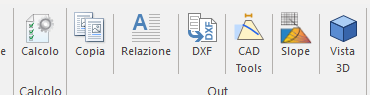
- The 2D section is sent with the current data of the tabs (ESD redraws before sending): profile, dimensions, foundation layers, reservoir, phreatic line and flow net, each on its own layer.
- The drawing stays available for 30 minutes and opens only once: to open it again repeat the command.
- If sending fails ESD shows the reason (connection, drawing too large, too many sends in a short time).
- In the trial version the drawing does not leave the program, as for the DXF export.
© Geostru